Create Folders
In the code view, folders can be created with the "Create folder" button.
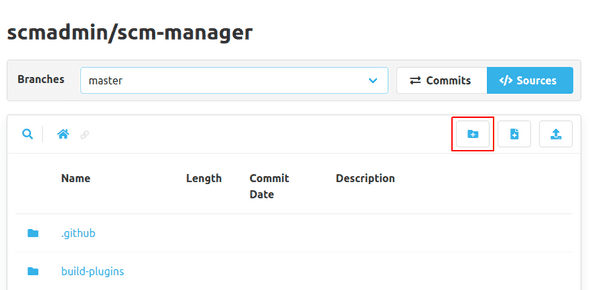
To do so, a dialog will open where the new folder and a commit message have to be entered. It is possible, to create multiple nested folders in one step.

In the new folder, a file named .scmkeep is created, because you cannot create empty folders in for example Git
or Mercurial. This file can be removed, as soon as there are other files in this folder.