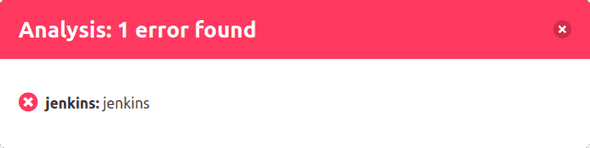
Status Dialog
To get more information about the analyses, you can open a detailed dialog about the status by clicking on the status bar.
The dialog shows this information:
- Status: Result of the analysis as a colored icon
- Type: Type of the CI-System (Jenkins in this case)
- Name: Name of the analysis (in this case the build job's name is "jenkins")
- Details: The row is a link to the analysis or the build job